
16
Sep
2026
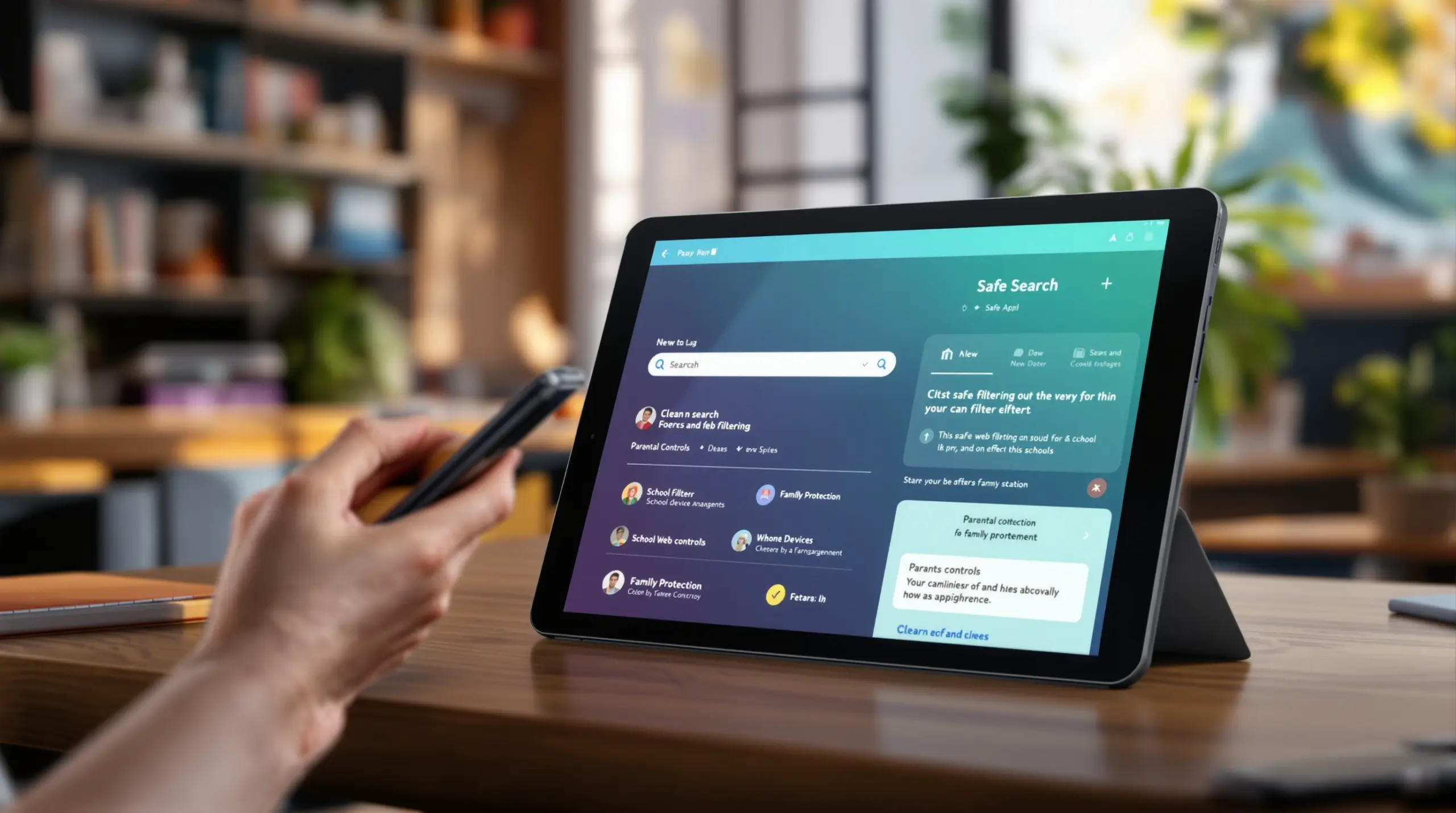
Ultimate safe search app for Families and Schools
16/September/2026
Discover the ultimate safe search app to block explicit content, enforce strict filters, and protect your family or students on any iOS or Android device.
Table of Contents
- Introduction
- What Is a safe search app and How Does It Work?
- Why Do Families Need a safe search app Today?
- How Does a safe search app Protect Against Bypasses?
- Can Schools Use a safe search app for CIPA Compliance?
- What People Are Asking
- Comparing Top safe search app Solutions
- How SPIN Safe Browser Delivers Total Online Safety
- How to Set Up a safe search app in 4 Steps
- Final Thoughts on safe search app
- Useful Resources
Article Snapshot
A safe search app is a specialized mobile or desktop browser application that automatically filters explicit web content, enforces strict search engine policies, and blocks adult websites to protect children and adults from inappropriate material across all networks.
Quick Stats: safe search app
Introduction
Keeping children and vulnerable adults protected online requires more than just hoping they avoid bad links or relying on outdated router settings. A reliable safe search app acts as your first line of defense against explicit content, phishing threats, unmoderated social media, and malicious downloads. When families and schools look for dependable protection, SPIN Safe Browser provides a zero-configuration, bypass-proof environment that automatically shields users from online hazards. Unlike basic network filters that only work on home Wi-Fi, a dedicated secure search application works directly on the device, ensuring safety whether your child is on school Wi-Fi, a public hotspot, or a cellular network.
In this comprehensive guide, we explore why protected search tools are necessary in the modern digital environment, how they prevent clever bypass attempts by tech-savvy users, and what specific features you should prioritize. We also discuss how these tools support long-term digital wellness and institutional compliance, giving you the knowledge to choose the right family search filter for your specific needs.
What Is a safe search app and How Does It Work?
A safe search app is a dedicated web browser or filtering extension that intercepts web traffic to block explicit domains and enforce strict search engine results before they reach the screen. Rather than relying on easily changed router settings or DNS configurations, this type of internet filter operates directly within the device’s native rendering engine. When a user types a query or clicks a link, the protected search tool evaluates the destination against a massive, constantly updated cloud database of high-risk categories. This includes adult content, gambling, illegal drugs, hate speech, and malicious proxy sites.
One of the most important functions of a family search filter is the ability to enforce SafeSearch at the protocol level. Major platforms like Google, Bing, and DuckDuckGo offer safe browsing modes, but tech-savvy kids easily turn them off in the settings (Google Safety Center, 2024)[4]. A strong secure search application hard-codes these restrictions into every outbound query, ensuring that explicit images and text results remain blocked. It also locks YouTube into Restricted Mode, automatically hiding mature videos and inappropriate comments.
For parents seeking a reliable solution, exploring options like SPIN your family’s safe web browser reveals how modern tools eliminate the guesswork. Instead of manually blacklisting millions of URLs, the software uses real-time cloud classification to categorize new and unknown websites instantly. This zero-configuration setup means protection begins the moment the app is installed. These solutions are not limited to mobile devices; they also offer browser extensions for Chrome, Safari, and Firefox, ensuring that desktop and laptop computers are equally protected. Whether your child is using an iPad for homework or a Windows PC for gaming, the content filtering remains active and uncompromised, providing a secure digital environment without requiring complex technical knowledge from the parent.
Why Do Families Need a safe search app Today?
Families need a safe search app today because the sheer volume of unmoderated, explicit, and predatory content online makes manual supervision practically impossible. Children are getting smartphones and tablets at younger ages, and the internet’s “grey areas” host hidden dangers that slip past traditional antivirus software. According to the Family Online Safety Institute, only 47 percent of parents use parental controls on their children’s smartphones, while 51 percent apply them on tablets (FOSI, 2025)[1]. This gap in mobile protection leaves millions of kids vulnerable when they are away from home networks.
The reality of modern digital parenting is that children encounter inappropriate material by accident. Jannie Fernandez, Director of Digital Parenting at FOSI, notes that “On each device tested, about half or fewer parents are currently using parental controls” (FOSI, 2025)[1]. Without a dedicated safe web browser, a simple typo in a search bar or a misleading thumbnail on a video platform leads to immediate exposure to adult content. A reliable child protection tool acts as an invisible guardrail, intercepting these accidents before they cause psychological harm.
The rise of social media and unmoderated forums means that explicit content is no longer confined to traditional adult websites. It frequently appears in search results, image boards, and community threads. A comprehensive safe browsing app filters out these nuanced threats by blocking entire categories of “prone to porn” domains and file-sharing hubs. By integrating a digital wellness approach, parents also manage screen time and reduce online distractions. This proactive stance not only shields children from immediate harm but also supports healthier, more focused digital habits as they grow, ensuring that their online experiences remain positive, educational, and entirely age-appropriate.
How Does a safe search app Protect Against Bypasses?
A safe search app protects against bypasses by permanently disabling private browsing modes, dropping proxy traffic, and blocking the installation of secondary, unfiltered browsers. Tech-literate children and teenagers are notoriously adept at finding loopholes in standard parental controls. They use incognito tabs to hide their history, connect to free VPNs to bypass network-level DNS filters, or download alternative browsers that lack safety restrictions. A true bypass-proof browser eliminates these evasion vectors at the software level, ensuring that the rules are not quietly ignored.
First, the application completely removes the option to open private or incognito tabs. This ensures that all web activity is subject to the same strict filtering rules and is reviewed if necessary. Second, the software actively identifies and drops traffic destined for known proxy, anonymizer, and VPN domains. If a user tries to route their connection through a web-based proxy to access blocked adult websites, the connection is immediately terminated. As highlighted in a comprehensive review of kid-safe browsers, solutions that filter directly inside the browser engine are far more effective than those relying on easily disabled system settings.
On Android devices, advanced companion tools take this a step further by blocking the installation of new, unverified browsers from the app store. If a teenager tries to download an unfiltered browser to circumvent the rules, the safe search app prevents the installation entirely. Some applications employ delayed-uninstallation safety locks, requiring a waiting period or a specific email token before the app is removed. This tamper-resistant architecture ensures that the content filtering remains intact, providing parents and self-accountable adults with absolute confidence that their digital boundaries are not quietly dismantled during moments of weakness or rebellion.
Can Schools Use a safe search app for CIPA Compliance?
Schools use a safe search app for CIPA compliance by deploying enterprise-ready versions through Mobile Device Management (MDM) platforms to enforce district-wide web filtering without local VPN overhead. The Children’s Internet Protection Act (CIPA) requires K-12 schools receiving federal E-rate discounts to implement technology that blocks or filters internet access to obscene or harmful content. Managing this across thousands of 1:1 student devices, such as iPads and Android tablets, is a logistical nightmare for IT administrators if the solution relies on heavy client-side software or complex network routing.
Modern educational web filters solve this by integrating natively with popular MDM systems like Jamf, Microsoft Intune, and Hexnode. Using standard AppConfig XML payloads, IT teams push customized URL allow and block lists, mandate safe homepages, and lock browser settings remotely. This zero-touch deployment means students do not need to log into a separate directory account for the filtering to take effect; the rules are applied directly to the device hardware. The National Telecommunications and Information Administration emphasizes the need to adopt age-appropriate parental control solutions and promote their availability, noting that these solutions differ by age group and include supervised accounts with appropriate limitations for certain age groups (NTIA, 2024)[2].
Because the filtering occurs directly within the native browser engine, schools avoid the battery drain and latency issues associated with traditional VPN-based filters. Whether a student is connected to the school’s managed Wi-Fi or taking their device home to an unmanaged cellular network, the safe browsing app maintains strict CIPA compliance. This network-agnostic protection ensures that educational institutions provide a secure, distraction-free learning environment, allowing teachers and IT staff to focus on education rather than constantly playing whack-a-mole with student bypass attempts.
What People Are Asking
What is the best safe search app for blocking adult content?
The best safe search app for blocking adult content automatically filters explicit domains, enforces strict SafeSearch, and prevents users from bypassing restrictions via private tabs. Applications like SPIN Safe Browser excel by processing web traffic directly within the browser engine, ensuring high performance and reliable protection across all networks without requiring complex setup or constant monitoring from parents.
Does a safe search app drain my mobile device battery?
A safe search app preserves your mobile device battery by filtering web traffic natively within the browser instead of routing data through a local VPN tunnel. By evaluating URLs and blocking explicit content directly inside the application engine, the software preserves fast page load speeds, reduces mobile latency, and maintains normal battery life whether you are using Wi-Fi or cellular data networks.
Can my child bypass a safe search app using incognito mode?
Your child is unable to bypass a dedicated safe search app using incognito mode because the software permanently removes private browsing options from the user interface. In addition to disabling incognito tabs, advanced filters actively drop traffic to known proxy and VPN domains, block unauthorized browser extensions, and prevent the installation of secondary unfiltered browsers, creating a completely tamper-resistant environment that holds up against tech-savvy users.
How do I install a safe search app on an iPad or Android tablet?
You install a safe search app on a tablet by downloading the application from the official app store and setting it as the default browser. For enterprise or school deployments, IT administrators push the app and its configuration policies to managed devices using Mobile Device Management platforms and standard AppConfig XML payloads without requiring student logins.
Comparing Top safe search app Solutions
Choosing the right online safety tool requires understanding how different architectural approaches impact performance, privacy, and bypass resistance. According to Microsoft’s 2024 Global Online Safety Survey, 38 percent of people use content filters as a safety tool feature (Microsoft, 2024)[3]. Below is a comparison of common filtering methods used to protect users online, highlighting why native browser filtering outperforms legacy solutions.
| Feature | Native Browser Filter | DNS/Network Router Filter | Accountability Software |
|---|---|---|---|
| Bypass Resistance | High (No incognito, blocks proxies) | Low (Easily bypassed via cellular data) | Medium (Relies on user compliance) |
| Battery Impact | Minimal (Filters in-engine) | High (Requires constant local VPN) | Moderate (Background screen scanning) |
| Privacy Approach | High (No data sold or logged) | Varies by provider | Low (Screenshots/logs sent to partners) |
Native browser filters provide the strongest protection by handling domain blocking directly on the device, ensuring safety regardless of the network connection. Unlike DNS filters that fail when a child switches to cellular data, or monitoring software that invades privacy by capturing screenshots, a dedicated safe browsing app offers a balanced, high-performance approach to digital wellness and security.
How SPIN Safe Browser Delivers Total Online Safety
At SPIN Safe Browser, we believe that protecting your family or your students should not require a degree in computer science. Our Web Filter for iOS, Android & Schools | SPIN Safe Browser is designed to deliver a clean, highly secure, and distraction-free web browsing experience right out of the box. By using real-time cloud domain classification, we automatically block millions of explicit websites, enforce strict SafeSearch policies, and lock YouTube into Restricted Mode without any manual configuration.
Our zero-VPN architecture ensures that protection does not come at the cost of device performance. As one user noted, “Most filtering apps force you to run a constant local VPN that destroys your battery life and slows down web pages. SPIN filters everything directly inside the browser engine. Pages load instantly, battery life stays normal, and strict SafeSearch is always forced on Google and Bing.” – 5 Stars – Google Play review.
We also support large-scale educational deployments and native Chrome integration. “As a K-12 IT Director, deploying SPIN Safe Browser Enterprise via Jamf Pro using AppConfig XML payloads was smooth. We pushed the app and custom allow/block lists to over 1,000 student iPads in minutes. It keeps us fully CIPA compliant whether students are on school Wi-Fi or at home.” – 5 Stars – iOS App Store review.
Whether you are a parent seeking peace of mind, an adult focusing on digital wellness, or an IT admin managing a fleet, our tools adapt to your needs. Visit our Contact section for support via email and access to our Knowledge Base to learn more or download the app today to secure your devices.
How to Set Up a safe search app in 4 Steps
Download and install the application
Visit the official App Store or Google Play Store on your child’s device and download a reputable safe browsing app. Ensure you are downloading the official version to guarantee that the software includes the latest cloud-based domain blocking databases, security patches, and enforced SafeSearch protocols.
Set as the default browser
Open your device settings and assign the newly installed safe search app as the default web browser. This important step ensures that any link clicked in emails, messages, or other applications automatically opens within the protected, filtered environment rather than an unsecured native browser like Safari or Chrome.
Verify filtering and disable bypasses
Test the software by searching for explicit terms or attempting to access known proxy websites to confirm the blocks are active. If the app offers companion features like secondary browser blocking, app installation prevention, or delayed-uninstall safety locks, enable these tools to close any potential loopholes.
Educate your child on digital wellness
Sit down with your child to explain why the protected search tool is installed and how it helps keep them safe from inappropriate content. Framing the software as a tool for digital wellness and focus, rather than just a punishment, encourages cooperation and healthier online habits.
Final Thoughts on safe search app
Protecting your loved ones from the internet’s hidden dangers requires proactive, reliable tools that are not easily circumvented by tech-savvy users. A dedicated safe search app provides that necessary layer of security by filtering explicit content, enforcing strict search policies, and blocking bypass attempts directly on the device. Whether you are managing a household of young children, supporting an adult in digital recovery, or overseeing a district-wide fleet of student tablets, the right solution makes online safety effortless and effective. Do not leave your family’s digital wellness to chance or rely on easily disabled network settings. Take control of your online environment today by downloading SPIN Safe Browser and experience the peace of mind that comes with uncompromised, zero-configuration protection on any network.
Useful Resources
- Connected and Protected: Insights from FOSI’s 2025 Online Safety Survey. Family Online Safety Institute (FOSI).
https://fosi.org/wp-content/uploads/2025/05/Connected-and-Protected-Insights-from-FOSIs-2025-Online-Safety-Survey.pdf - Industry’s Role in Promoting Kids’ Online Health, Safety, and Experience. National Telecommunications and Information Administration.
https://www.ntia.gov/report/2024/kids-online-health-and-safety/online-health-and-safety-for-children-and-youth/taskforce-guidance/recommended-practices-for-industry - Global Online Safety Survey Results 2024. Microsoft.
https://cdn-dynmedia-1.microsoft.com/is/content/microsoftcorp/microsoft/final/en-us/microsoft-brand/documents/Global-Online-Safety-Survey-Results-2024.pdf - Google’s Parental Controls and Family Link – Safety Center. Google.
https://safety.google/intl/en_us/settings/parental-controls/
